Sales Tech & AI
MCP for Sales Teams: What Model Context Protocol Actually Changes
MCP lets AI assistants take real actions in your sales tools instead of just talking about them. What it is, what it changes, and what to watch out for.
6 min read

Tanner Randall
Founder, Kollab
Most AI in sales tooling so far has been advisory. It summarises the call, drafts the email, scores the deal. Useful, and entirely confined to producing text you then act on yourself.
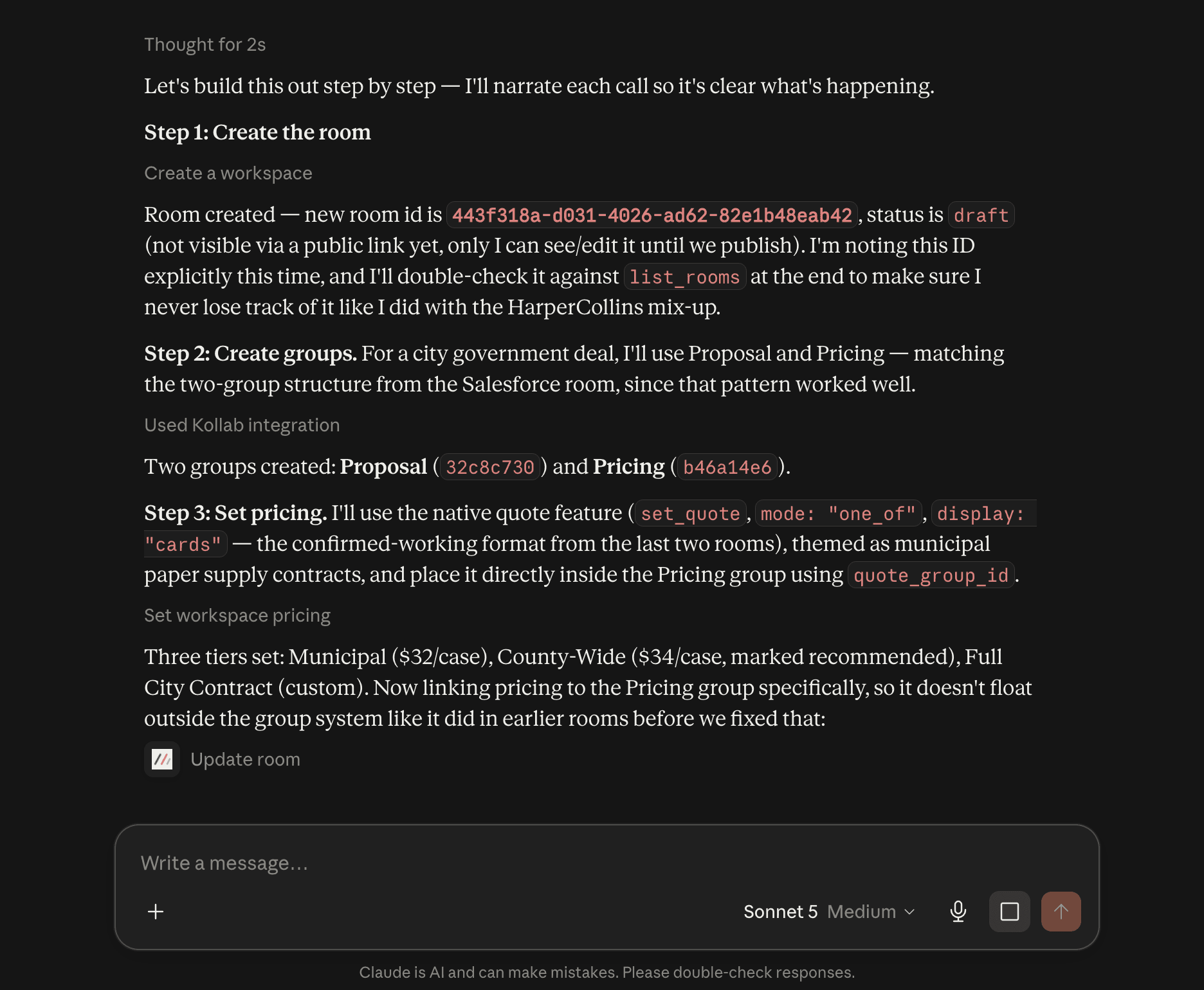
Model Context Protocol changes the shape of that. MCP is an open standard for giving an assistant defined, permissioned access to a system — a set of actions it can actually call, with typed inputs and real results. The assistant stops describing the work and starts doing it.
What MCP Is, Without the Protocol Jargon
Think of it as a menu a tool publishes for AI assistants. Each item is an action — create this, read that, update the other — with a defined shape. The assistant reads the menu, picks the right action for what you asked, and calls it.
Two things distinguish this from older integration approaches:
It is not screen-scraping. The tool decides what to expose. Nothing is inferred from a rendered page.
It carries your permissions. The assistant sees what your account sees — not a separate, wider set of data.
Why This Matters for Revenue Teams Specifically
The busywork is the bottleneck, not the thinking
Reps do not lose deals because they cannot think of the next step. They lose them because building the follow-up, assembling the collateral, and updating the plan takes forty minutes they do not have on a Thursday. That work is structured, repetitive, and exactly what an assistant with real access can absorb.
Context stops being retyped
Today the call transcript lives in one tool, the action plan in another, and a human copies between them — losing dates and owners on the way. When both are reachable by the same assistant, the copy step disappears.
Reading data becomes conversational
Engagement dashboards get opened when a tool is new and again when a deal is dying. Being able to ask which workspaces had a new visitor this week converts a report you forget into a question you ask.
What to Watch Out For
Write actions deserve more caution than read actions
Reading engagement data is safe. Publishing a buyer-facing page is not. Understand which actions a server exposes that change things, and be deliberate about when you invoke them.
Some actions replace rather than edit
A tool that sets an entire action plan will overwrite what is there. That is fine when you know it, and destructive when you assume it edits in place. Ask for the current state first.
Fluency is not judgement
An assistant will produce a fourteen-item action plan without hesitation. Three to five milestones with real owners will close more deals. The tool removes the typing, not the thinking.
Where the Category Is Going
Most sales tools bolted an AI panel into their own interface, which means another tab. MCP inverts that: the work happens in whatever assistant you already use, and the tool becomes something it can operate rather than somewhere you go.
Expect the interesting question to shift from does this product have AI to what can my assistant actually do in it. The second question has a much more concrete answer.
Trying It
Kollab publishes an MCP server that lets an assistant create buyer workspaces, attach assets and embeds, write mutual action plans, build interactive quotes, publish, and read engagement — configured from Settings → Integrations. We wrote up what it does and three prompts worth trying.
Start with a read-only question before you let it write anything. It is a fast way to learn what the connection actually sees.
Kollab pairs a branded buyer workspace with AI that writes the assets and reads the engagement for you. See pricing — free plan included.
Related reading
The AI Asset Engine: How Sales Teams Build Custom Collateral in Seconds
How to Read Sales Engagement Analytics (And What to Do About Each Signal)