Kollab Product Guides
How to Embed Interactive Demos in a Digital Sales Room (Navattic, Loom & More)
Interactive demos and Loom recaps get forwarded, lost, and never tracked. Learn how embedding them in a buyer workspace fixes attribution and adoption.
4 min read

Tanner Randall
Founder, Kollab
You built a Navattic tour. You recorded a Loom walking through the pricing model. You dropped both links into a follow-up email — and then you never heard about either one again.
The assets are fine. The delivery is what fails. A demo link in an email is a one-time invitation that expires the moment the thread scrolls out of view, and it tells you nothing about who watched.
Why Demo Links Die in Email
1. They compete with everything else in the thread
Your interactive tour is sitting next to a calendar invite, a PDF, and three replies about scheduling. It is one blue link among many, with no context about why it matters now.
2. They do not survive forwarding
When your champion sends your email up the chain, the demo link travels without the framing that made it make sense. The CFO opens a product tour with no idea what problem it solves for them specifically.
3. You cannot see what happened
Most demo platforms track their own views, but that data lives in a different tool than your deal notes. Stitching “who watched the tour” to “which stakeholder is actually engaged” turns into manual work nobody does.
Put the Demo Where the Deal Already Lives
The fix is structural: stop treating the demo as an attachment and start treating it as a section of the buyer’s workspace.
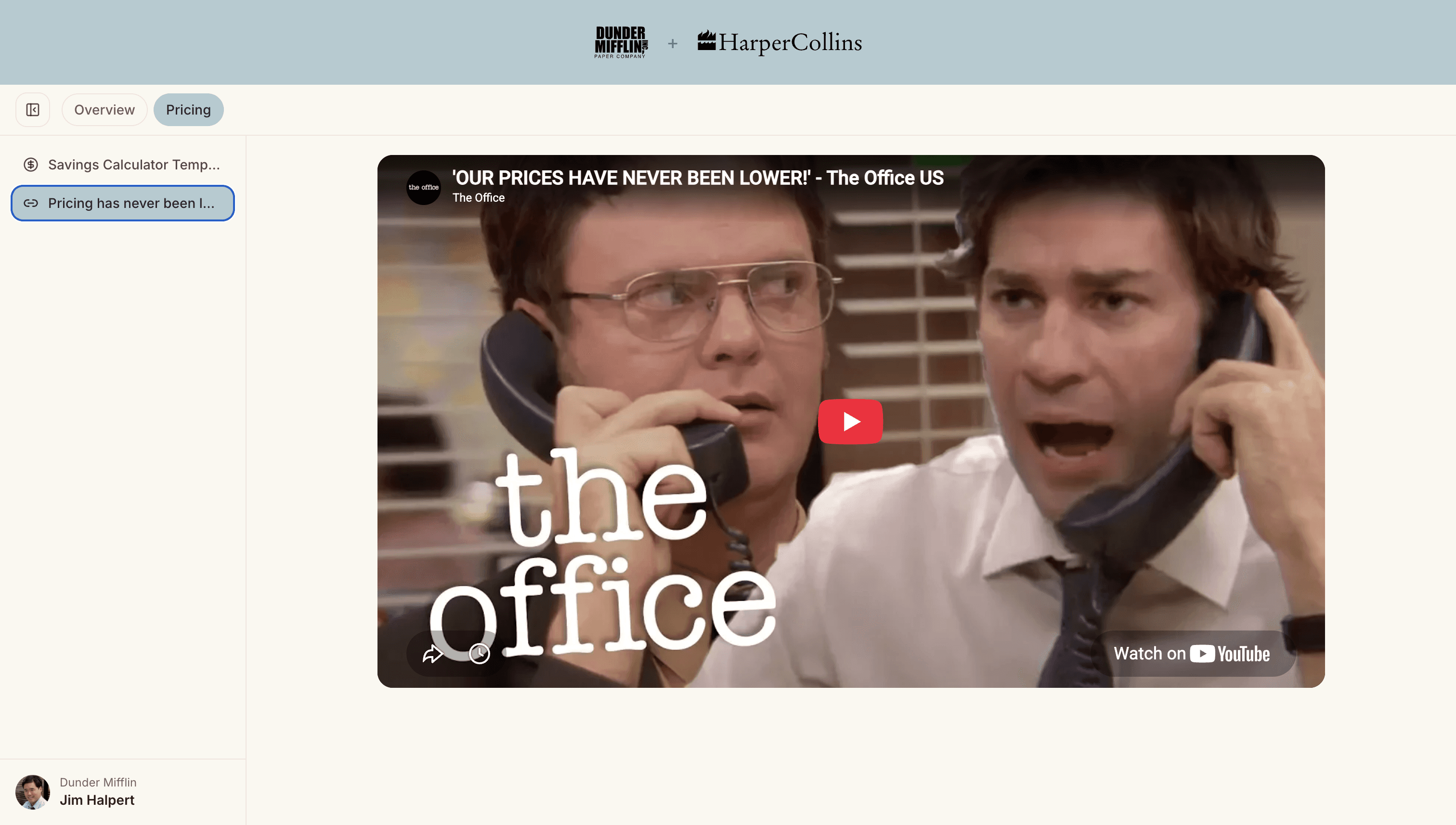
Kollab embeds the tools you already use directly into a workspace tab — Navattic and other interactive demo platforms, Loom and video recaps, Google Slides and Sheets, and standard embed links. The buyer clicks one workspace link and the demo is right there, in sequence, next to the pricing and the action plan that give it context.
What Changes When the Demo Is Embedded
It stays findable. Three weeks later, when procurement asks “can we see the product again,” your champion already has the link bookmarked.
It arrives with context. The tour sits beneath a heading that explains what to look for, instead of floating alone in an inbox.
You see the engagement. Because the demo lives inside the workspace, it shows up in the same time-per-asset breakdown as everything else — you can see the security lead spent four minutes in the tour before their questionnaire arrived.
A Practical Structure That Works
Overview tab: a short Loom recap of the call, so anyone who missed it can catch up in five minutes.
Product tab: the interactive demo, embedded, with one line naming the workflow it covers.
Pricing tab: the numbers, so the buyer is never hunting between tools to compare value against cost.
The Demo Is Not the Problem
Teams invest heavily in interactive demos and then hand them off through the least reliable channel available. Put the demo inside the workspace your buyer already returns to, and it keeps working for the length of the deal instead of the length of one email.
Related: a live workspace walkthrough.
New to Kollab? The free plan covers ten workspaces with custom branding, mutual action plans, and engagement analytics. See what’s included — no card required.
Related reading
Digital Sales Room Example: A Walkthrough of a Live Buyer Workspace
White-Label Digital Sales Room: Put Your Brand on the Buyer Experience